| |
Want to improve web programming skills?
track http requests
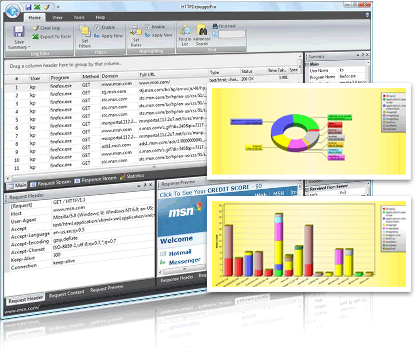
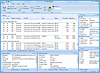
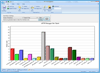
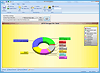
Click to see screenshots.
 Overview of track http Overview of track http
With HTTP Debugger you can track http requests from your computer, track http sent by your browsers: Internet Explorer, FireFox, Opera, Mozila, etc, track http of email clients: Outlook, Thunderbird, TheBat, etc., track http of instant messengers MSN, Yahoo, AOL, ICQ, media player and etc. Internet software developers can use HTTP Debugger to track http communication between their programs and Internet.
Read more how to track http requests
Extremely easy to track http
It is extremely easy to track http requests. Just install HTTP Debugger Pro, run it then click on the 'Debug Program' and track http.
Download and track http requests now!
|
|
Click to see screenshots.
To track http requests you need:
- Microsoft Windows 2000/XP/Vista
- Pentium Class PC 300 MHZ +
- 10 MB Hard Drive Space
|
|